By L8MS Team · Updated 10 Nov 2026
Administration › Standards › Sensor Rules holds rule sets — what a remote sensor’s readings must stay within, for example a hot water return above 50 °C.
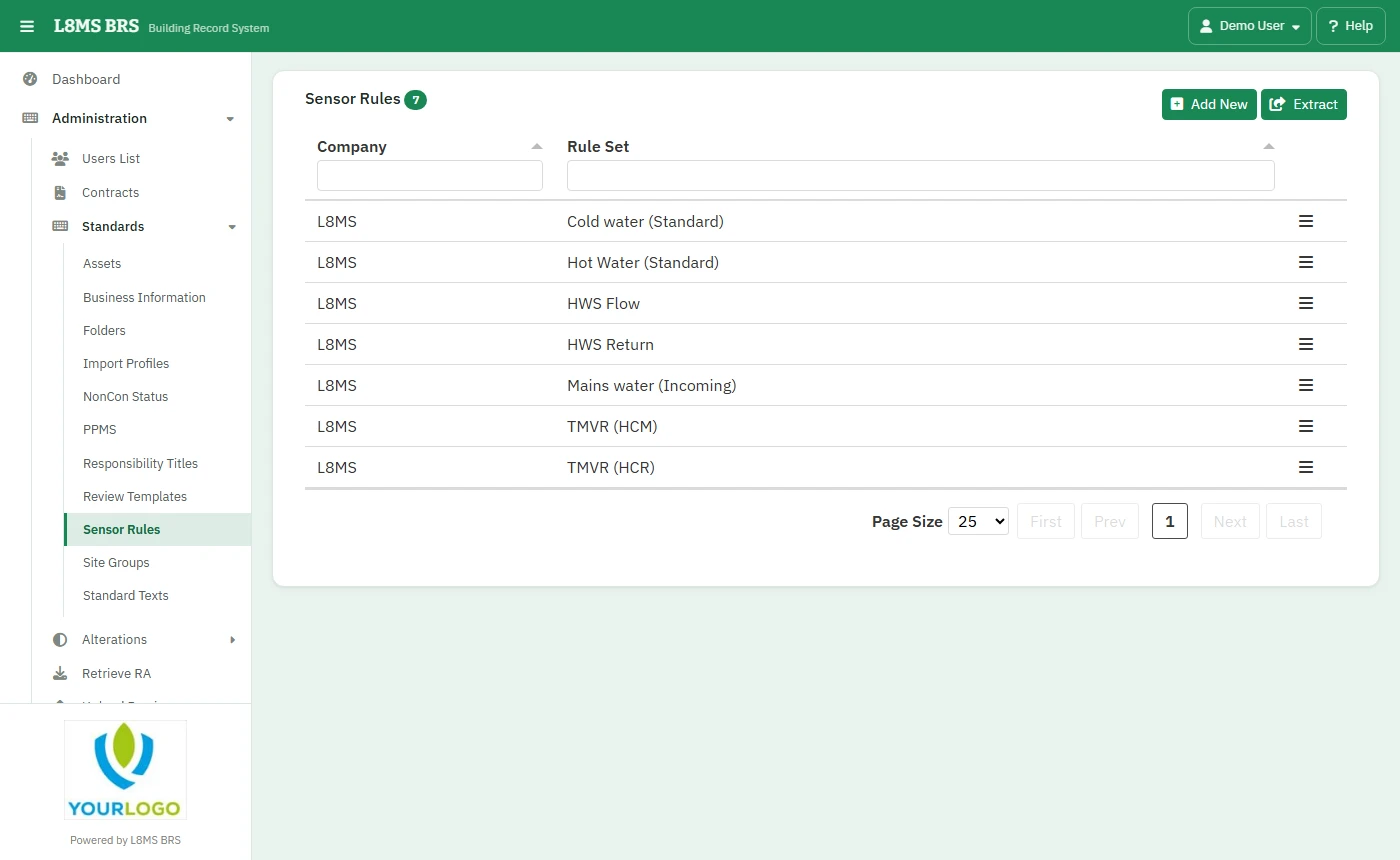 Sensor rule sets.
Steps
Click Add New, choose the Company Name, name the Rule Set and click Add.
Edit the rule set and Add Measurement Type for each reading it covers — Temperature, Cold Water Inlet, Hot Water Inlet, Mixed Water Outlet, Hot Water Return, Voltage — with its limits.
Extract downloads the list. Delete a rule set from its row.
Using a rule setAttach rule sets to sensors on the site’s Sensors page.